The job market is brutal right now. Hundreds of applications for every open role. Eight seconds of attention from a hiring manager, if you're lucky. A resume and cover letter that look identical to every other candidate's.
So how do you actually stand out?
Not by tweaking your bullet points. Not by adding another line to your LinkedIn. By giving hiring managers something they've never seen before: a conversation with you, before you've even spoken.
The Problem With Every Application
Here's what a hiring manager sees on a Tuesday afternoon: 200 PDFs.
They all say roughly the same things. "Results-driven." "Cross-functional collaboration." "5+ years of experience." The format is identical. The language is indistinguishable. Even strong candidates blur together.
Your resume tells them what you've done. It doesn't tell them how you think, how you communicate, or whether they'd actually want to work with you.
That's the gap your Delphi fills.
What Is a Delphi, and Why Does It Matter Here?
Your Delphi is an AI version of you, trained on your actual experience, your work, your thinking, your voice. It's not a chatbot with generic answers. It's a digital mind that knows your background as well as you do and can answer questions about it in real time.
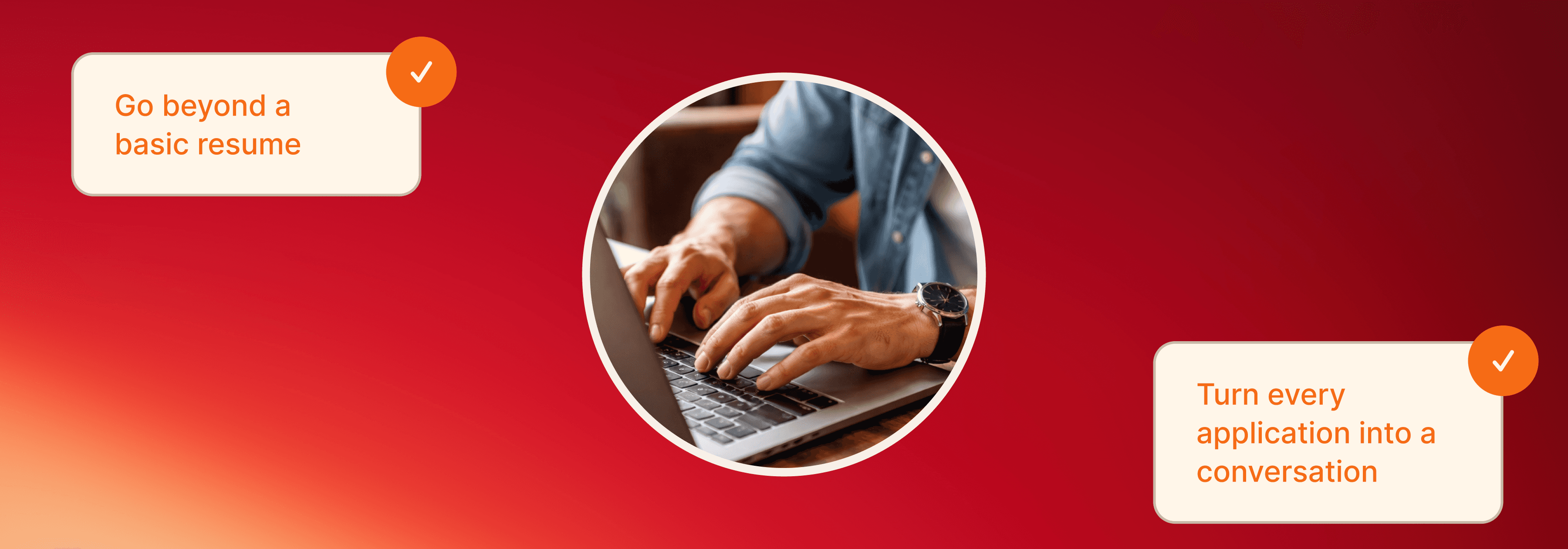
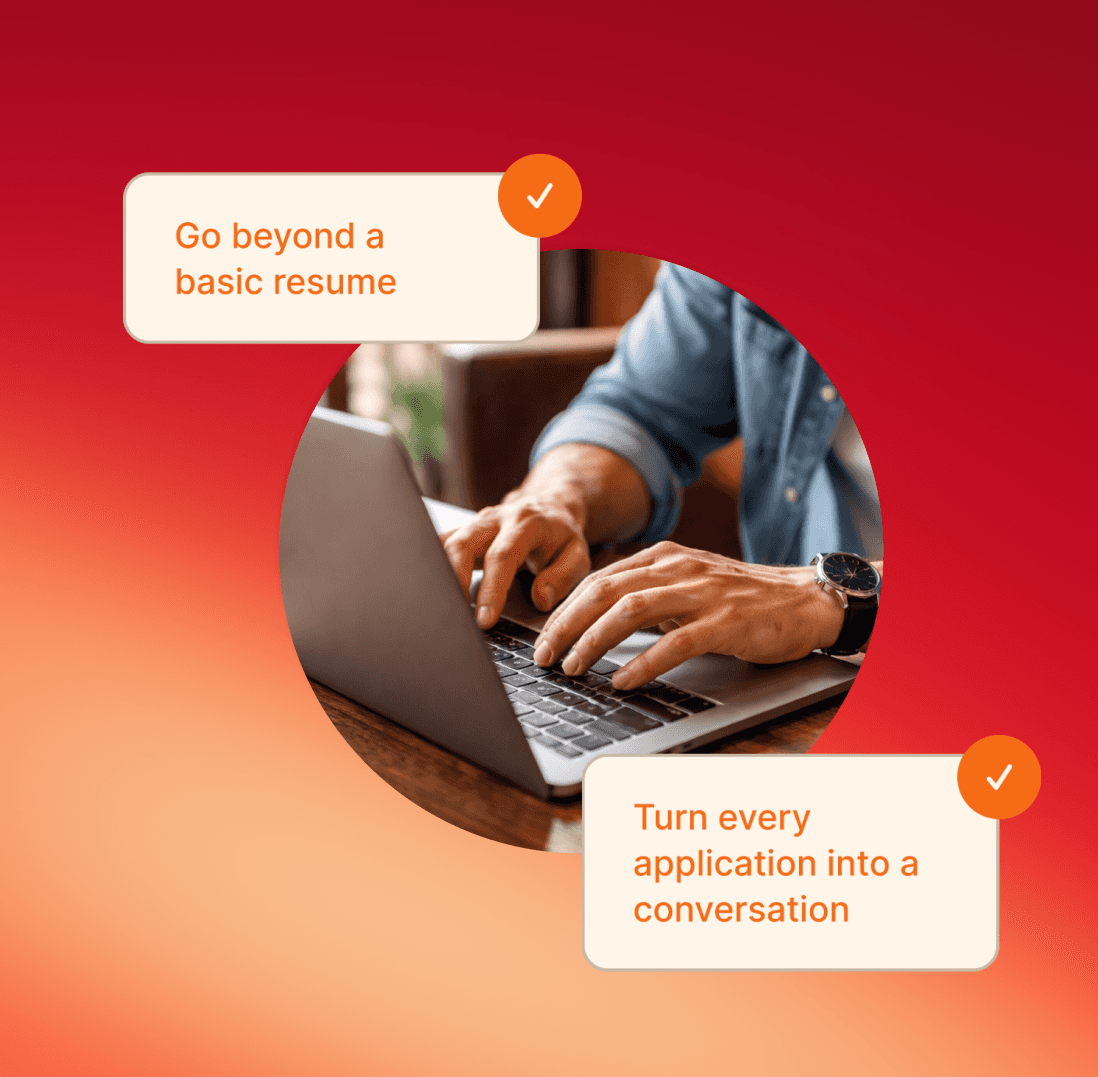
When you drop a Delphi link into a job application, you're not just submitting another document. You're inviting the hiring manager to have a real conversation with your professional self, on their schedule, at their pace, answering exactly what they want to know.
That's a fundamentally different experience than reading a PDF.
How to Use It in Your Application
Step 1: Set Up Your Delphi for the Job Search
Before you start sending links, make sure your Delphi is trained on the right content.
Upload your resume, portfolio, case studies, and work samples
Add a bio that reflects how you'd introduce yourself in an interview
Include examples of your thinking: writeups, decisions you've made, projects you've led
Set a clear description so visitors know what to ask
The more specific your training material, the better the conversations it'll have on your behalf.
Don't have much content yet? Use Interview Mode. Your Delphi will ask you a series of questions to learn about you, your background, and how you think, then use your answers as training material. It's the fastest way to get up and running if you're starting from scratch.
Step 2: Add the Link to Your Application
This is the move. In your cover letter or application notes, include a short line like this:
"I built an AI version of myself that knows my work, my experience, and how I think about problems. Feel free to ask it anything: delphi.ai/[yourhandle]"
It signals that you're resourceful. That you think differently. That you're not just another applicant waiting to be called, you're already making yourself available.
Step 3: Let Them Explore on Their Own Terms
Here's what makes this effective: it puts control in the hiring manager's hands.
They don't have to schedule a screening call to figure out if you can actually communicate. They don't have to read between the lines of your resume. They can just ask. "Walk me through your approach to [X]." "How did you handle [Y situation]?" "What would you do differently?"
Your Delphi answers. In your voice. Immediately.
By the time they get on a call with you, they already know who they're talking to. That's a huge advantage.
What to Do Right Now
Train it on your best work: resume, projects, writeups, anything that shows how you think
Write your application line: keep it one sentence, include the link, make it feel natural
Send it in your next application and see what happens
Every other candidate is a flat PDF. Be the one they actually talked to.
Delphi
Open your mind.